
Surgery Management Application
from Planning to Surgery Day.
A connected ophthalmology ecosystem from surgical planning to surgery day.
Connect surgical planning, customized digital forms, HIPAA-compliant e-signatures, medical clearances, patient messaging, and direct ASC coordination. Track every case in real time so nothing is missing on surgery morning.
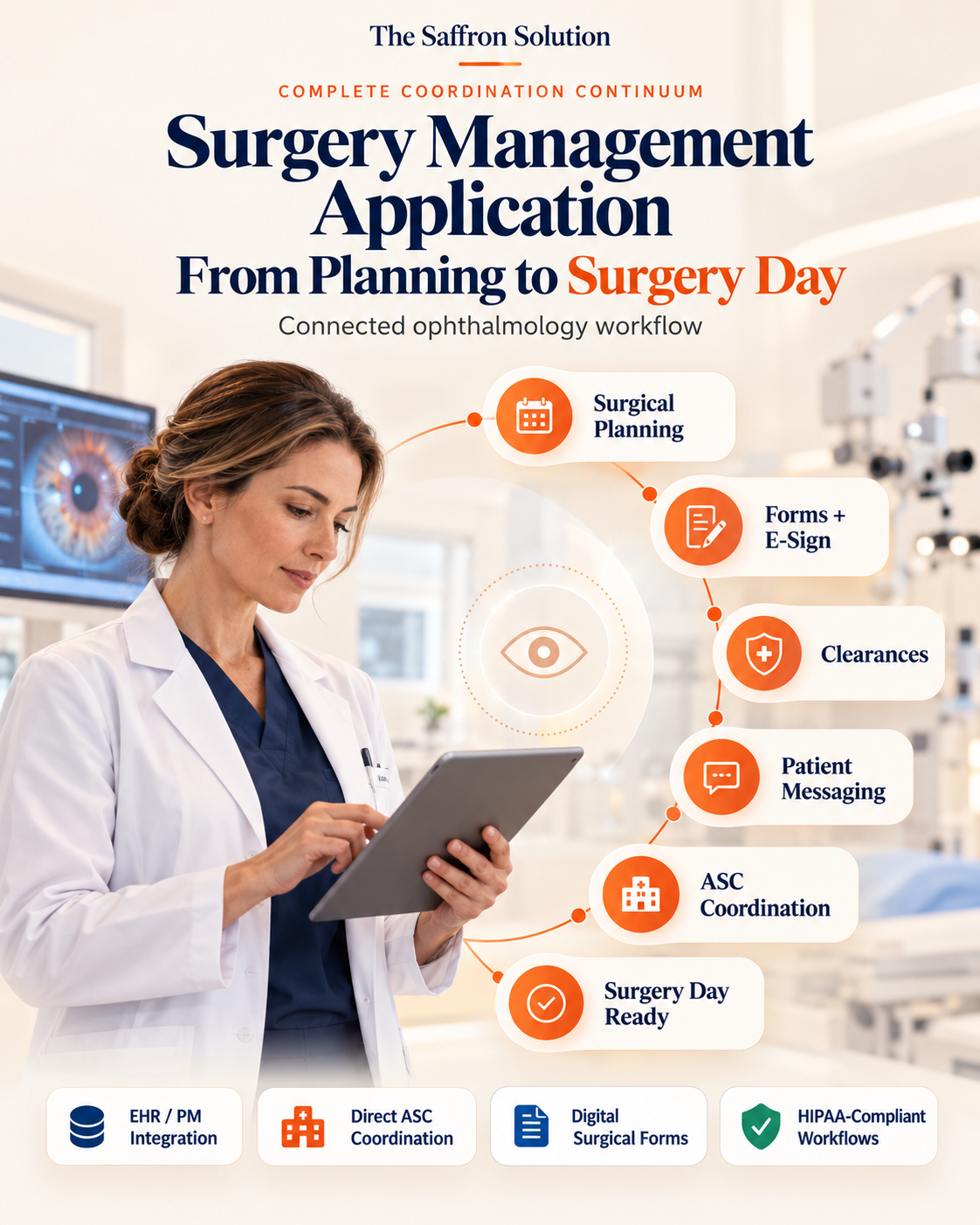
Surgery Day Shouldn't Depend on a Spreadsheet.
Ophthalmic surgery coordination involves dozens of interdependent requirements: surgical planning, biometry data, medical history disclosures, informed consents, PCP and cardiac clearances, patient drop regimens, and ASC case handoffs.
When these steps are tracked across disconnected sticky notes, physical paper charts, fax machines, and static spreadsheets, critical gaps emerge. Even a single unconfirmed clearance or misplaced consent can stall an entire OR morning.
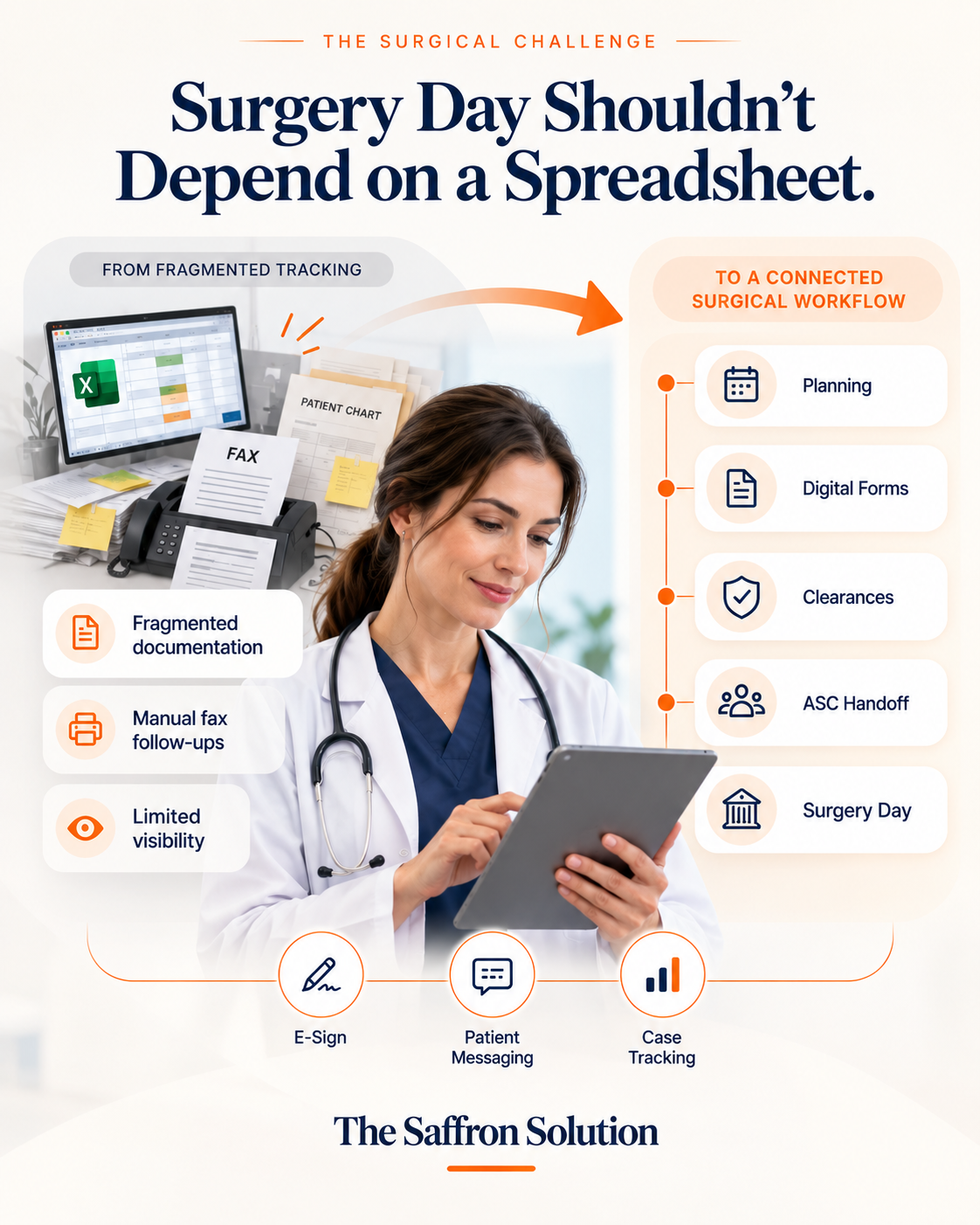
One Connected Surgical Workflow.
Connect the steps, people, and information required to move a case from surgical planning to surgery day.
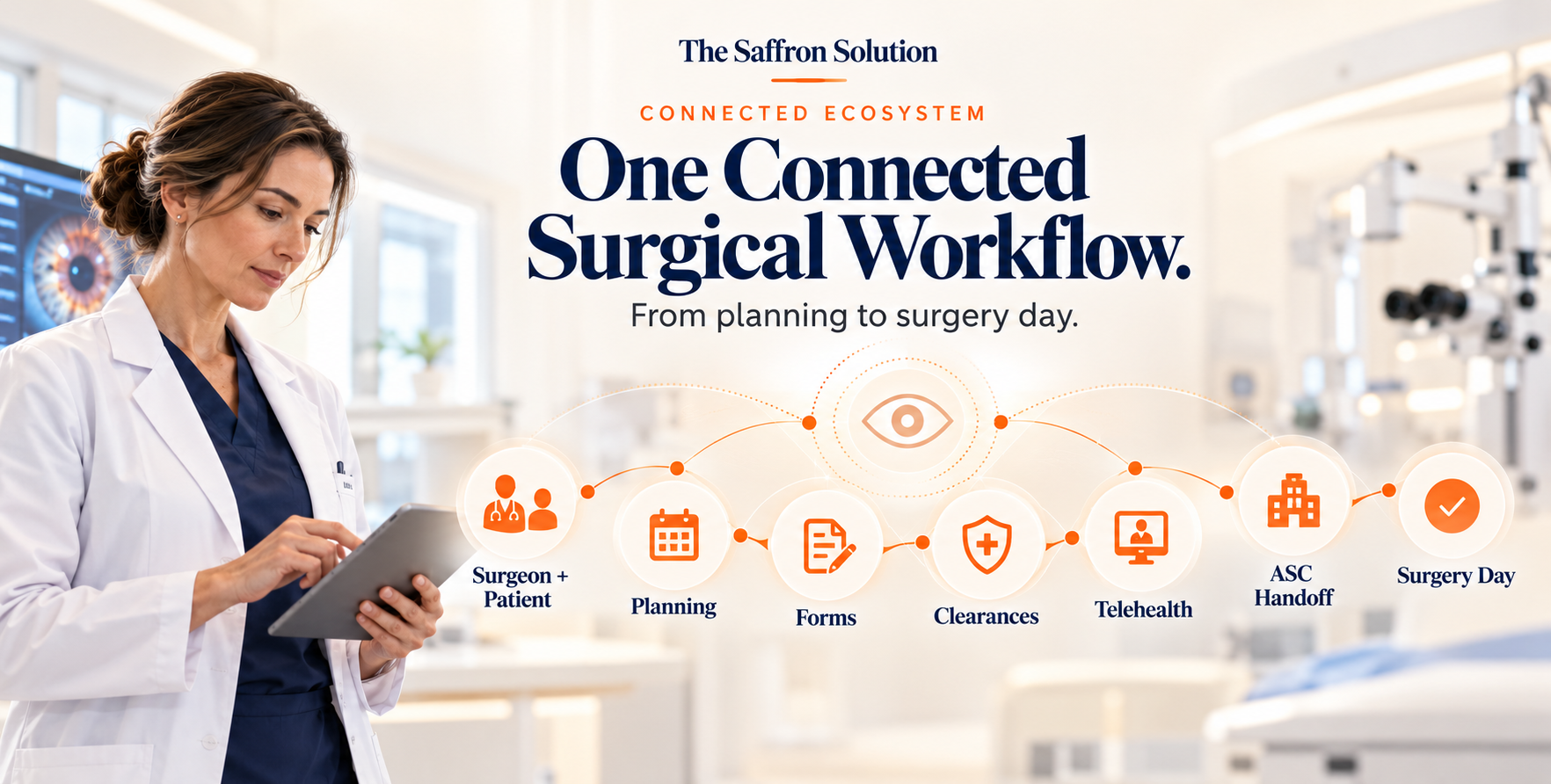
How a Case Moves from Planning to Surgery Day.
A structured clinical progression ensuring every requirement is documented, verified, and transmitted well before the patient arrives at the surgical center.
Surgical Planning & Booking
The surgical coordinator books the case directly from the clinic schedule. Biometry measurements, operative eye selection (OD/OS), lens preferences, and surgeon instructions link automatically from the EHR.
Customized Digital Forms & E-Signatures
Specialized ophthalmic consent forms, anesthesia health questionnaires, and premium lens disclosures generate digitally. Patients securely sign electronically with full audit timestamps prior to arrival.
Approvals, Clearances & Payments
Digital faxes transmit directly to primary care physicians and cardiologists for required medical clearances. Blood work, 12-lead EKGs, and copay verifications are tracked against automated checklists.
Automated Messaging & Virtual Consults
Automated SMS protocols guide patients through eye drop regimens, pre-op fasting (NPO) instructions, and arrival windows. HIPAA-compliant telehealth meetings answer clinical questions beforehand.
ASC Handoff & Surgery Day
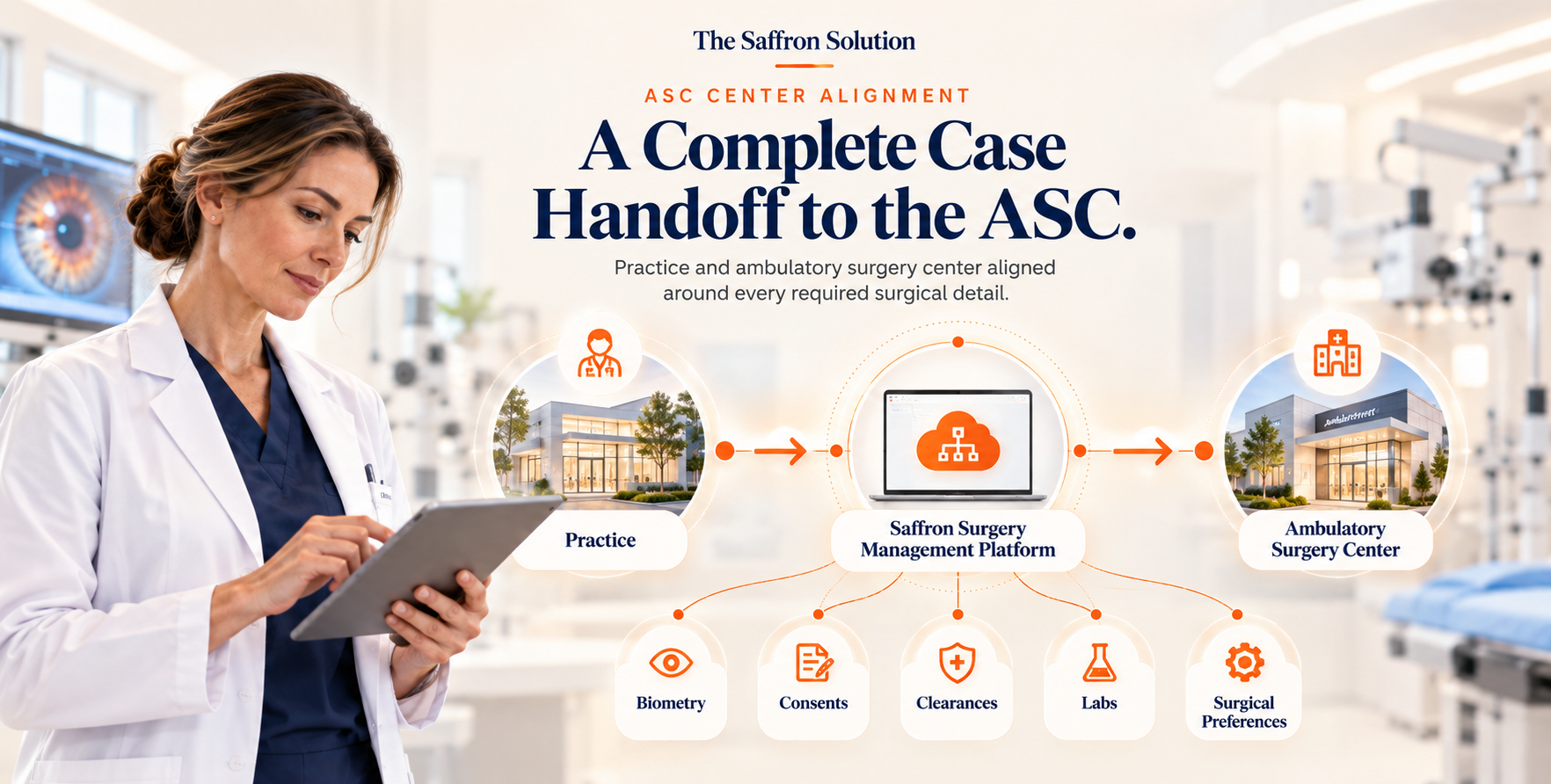
The Ambulatory Surgery Center receives a complete, verified digital packet days in advance. Intake nurses verify biometry and consents without missing papers or surgery-day delays.
See Where Every Case Stands.
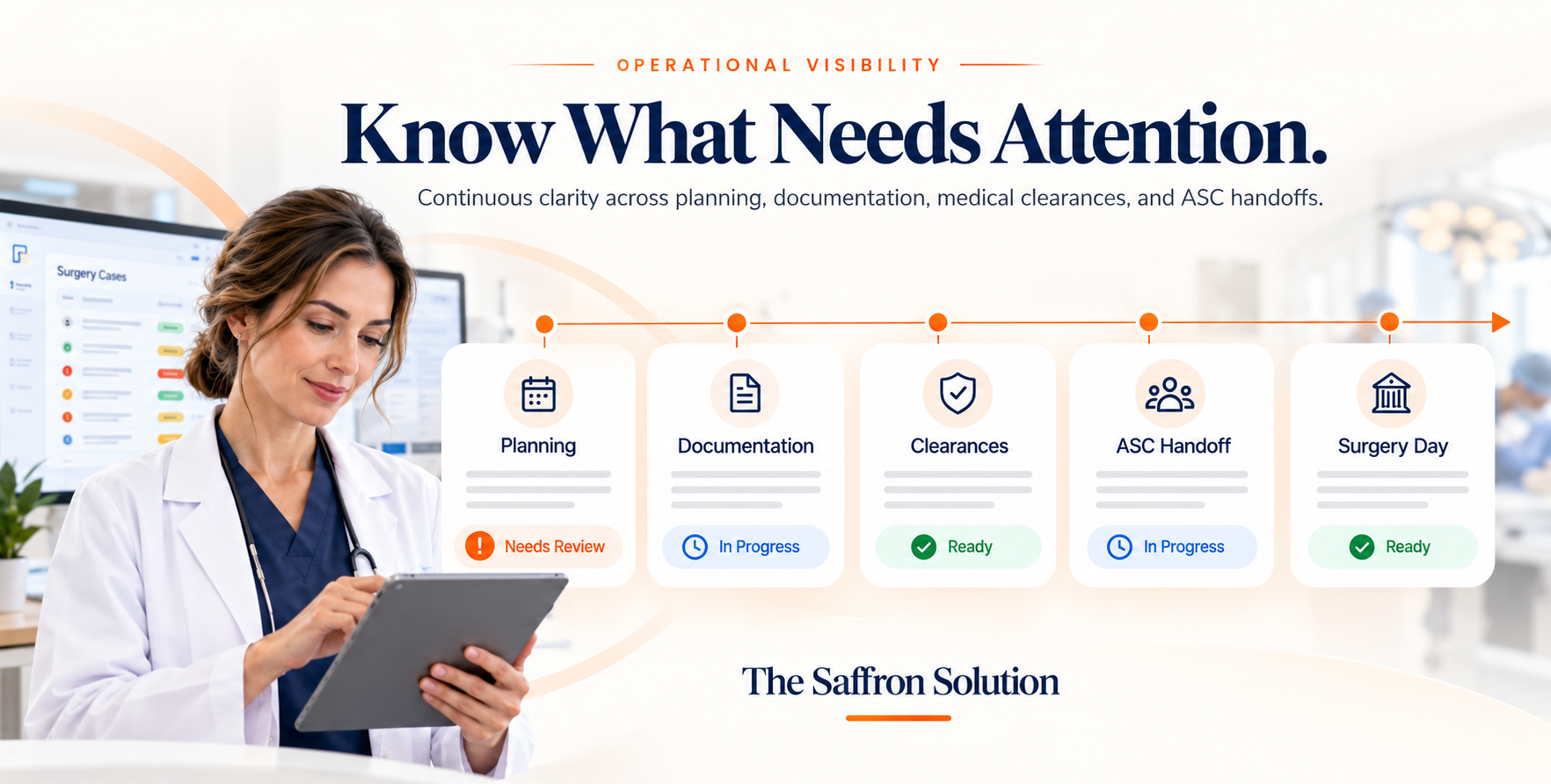
A clear view of where each surgical case is in the readiness process.
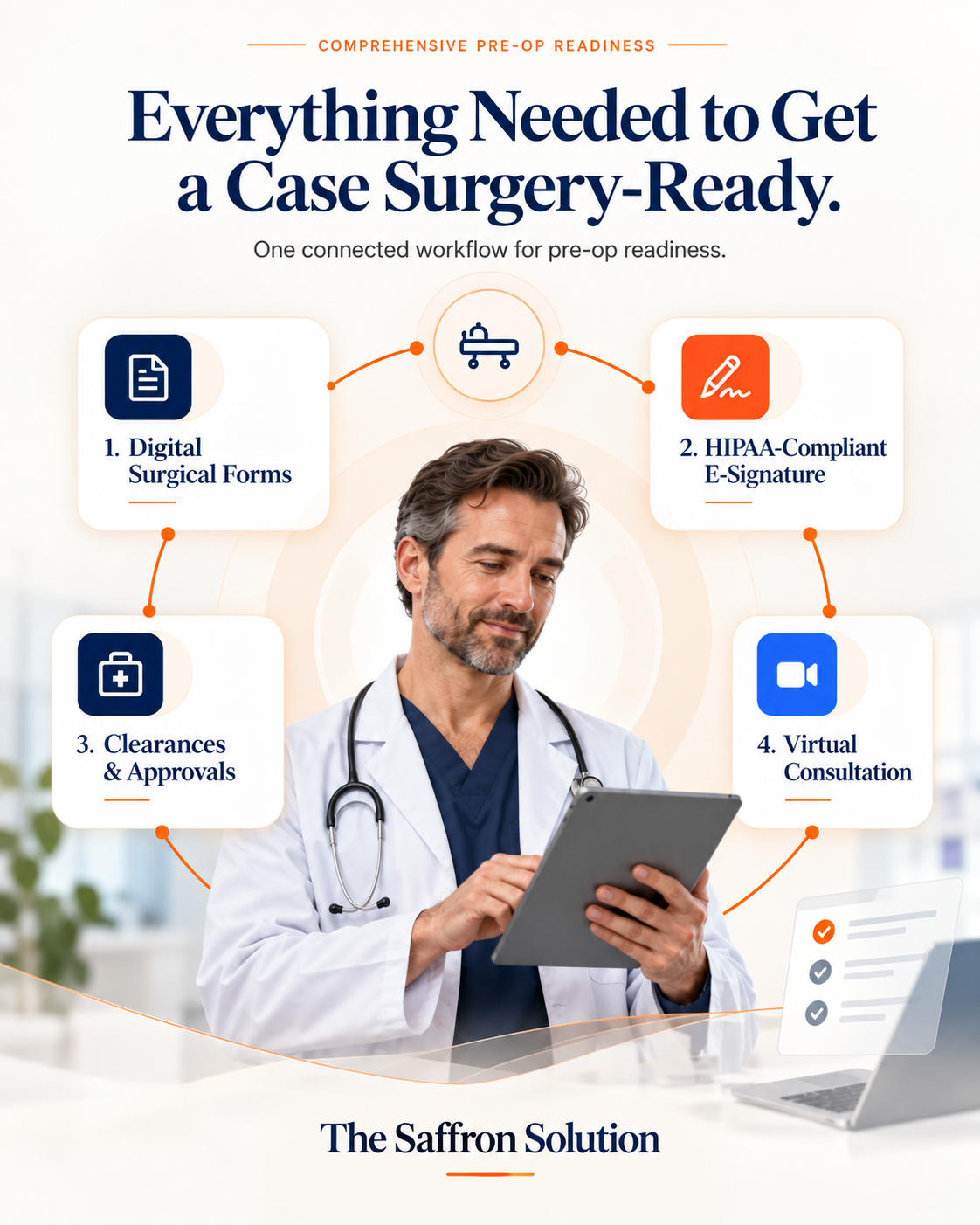
Everything Needed to Get a Case Surgery-Ready.
Bring the documentation, communication, clearances, and patient preparation steps into one connected workflow.
1. Digital Surgical Forms
Build specialized ophthalmic pre-op questionnaires, medical history disclosures, and medication hold protocols that patients complete securely from their mobile browser before surgery day.
2. HIPAA-Compliant E-Signature
Execute legally binding digital consents for procedures, anesthesia agreements, and premium IOL options with complete cryptographic timestamps and tamper-evident audit trails.
3. Clearances & Approvals
Automate requests to primary care physicians and cardiologists via integrated digital fax. Track received clearance letters, 12-lead EKGs, and lab results directly in the patient file.
4. Virtual Consultation
Conduct secure pre-op telehealth check-ins to review fasting windows, answer last-minute procedure questions, and confirm arrival times without requiring an extra in-person visit.
A Complete Case Handoff to the ASC.
Keep the practice and ambulatory surgery center aligned around the information required for the case.
Everyone Knows What Happens Next.
Surgical workflows run smoothly when surgeons, coordinators, administrators, and surgery centers operate from the same verified source of truth.
Surgeon Oversight
Clear oversight of surgical case status and readiness. Biometry, IOL calculations, and surgical preferences are in place before stepping into the OR.
Coordinator Clarity
Immediate visibility into what is complete and what is still missing. Less time chasing down paper faxes, phone calls, and manual spreadsheet entries.
Administrator Insight
Real-time visibility into the surgical pipeline across all providers and locations. Predictable surgery volume and fewer costly cancellations.
ASC Coordination
Verified, complete surgical packets received well before surgery day. Intake nurses confirm consents, labs, and orders with zero morning delays.
Core Capabilities Built for Ophthalmology.
Practical tools engineered to support ophthalmic surgical workflows from initial booking through surgery completion.
EHR / PM Integration
Direct synchronization with clinical charts and operative schedules.
Customized Digital Forms
Specialized pre-op questionnaires and clinical health history forms.
HIPAA-Compliant E-Sign
Secure digital signatures for surgical consents and premium lens agreements.
HIPAA Virtual Meetings
Encrypted pre-op telehealth video visits to review instructions with patients.
SMS Messaging
Automated text notifications for eye drop regimens and arrival times.
Digital Fax Clearances
Automated clearance transmissions directly with primary care offices.
ASC Communication
Direct packet and biometry transmission to Ambulatory Surgery Centers.
Comprehensive Dashboards
Real-time status tracking for cases across providers and surgical locations.
Know What Needs Attention.
The platform provides surgery teams continuous clarity over cases in planning, documentation status, medical clearances, and ASC handoffs.
Full Visibility into Every Surgery
Complete case oversight across all operating rooms, clinical lanes, and surgeons.
Coordinators Know What Is Missing
Instant alerts for pending clearances, labs, or payments well before surgery morning.
Administrators See Live Progress
Executive visibility into surgery case flow, readiness milestones, and OR schedule utilization.
Fewer Surgery-Day Delays
Eliminate morning paperwork bottlenecks and prevent avoidable last-minute cancellations at the ASC.
Better Coordination with the ASC
Surgery centers receive verified patient packets days before surgery day without missing sheets.
Fully Digital & HIPAA Compliant
Built specifically for ophthalmic surgery workflows with certified cloud encryption.
Make Surgery Management More Connected.
Bring surgical planning, documentation, patient preparation, and ASC coordination into one connected workflow.
